Ultra-Secua Smart Digital Lock for Security Doors
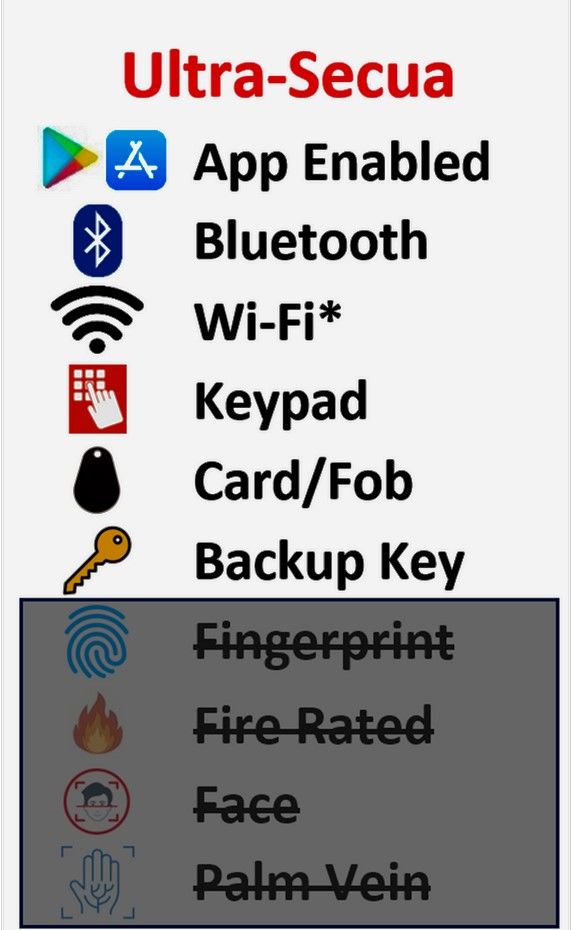
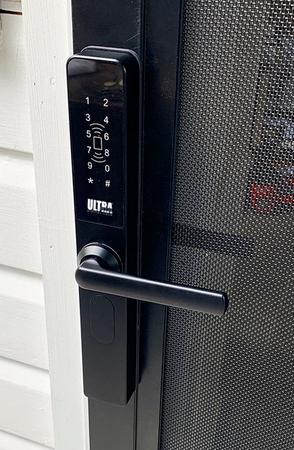
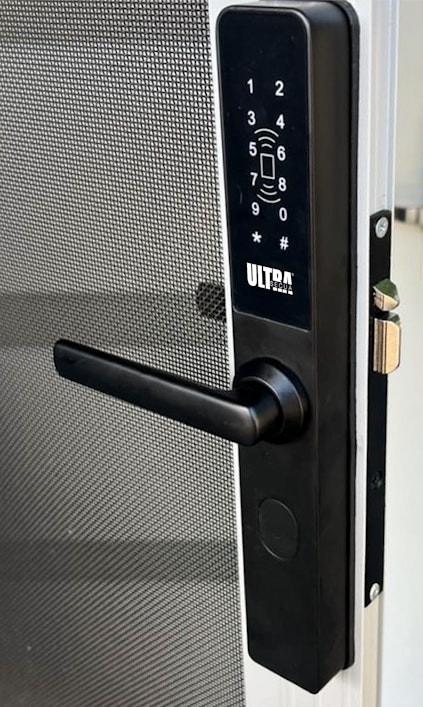
Upgrade your security door with the Ultra-Secua Smart Digital Lock — a premium keyless entry solution designed specifically for security doors. Enjoy flexible access using a PIN code, RFID card, Bluetooth eKey, or mechanical key override, with smart management through the TTLock Bluetooth app.
Premium Smart Lock Features
· 4-in-1 access: Unlock by PIN code, RFID card, Bluetooth eKey, or mechanical key override.
· Simple app control: Manage access conveniently through the TTLock Bluetooth app.
· Optional remote access: Add a Wi-Fi gateway for remote unlocking.
· Flexible retrofit design: Suits most screen door locks, including triple-locking doors.
· Added inside-handle security: Designed with a unique inside-handle security feature for extra protection.
· Passage Mode: Keep the door unlocked when convenient access is needed.
· Enhanced protection: Includes anti-peep code protection and lockout after five incorrect attempts.
· Useful app alerts: View audit trails, receive low-battery alerts, and control reset-button access in-app.
· Outdoor rated: IP66 rated for reliable outdoor use.
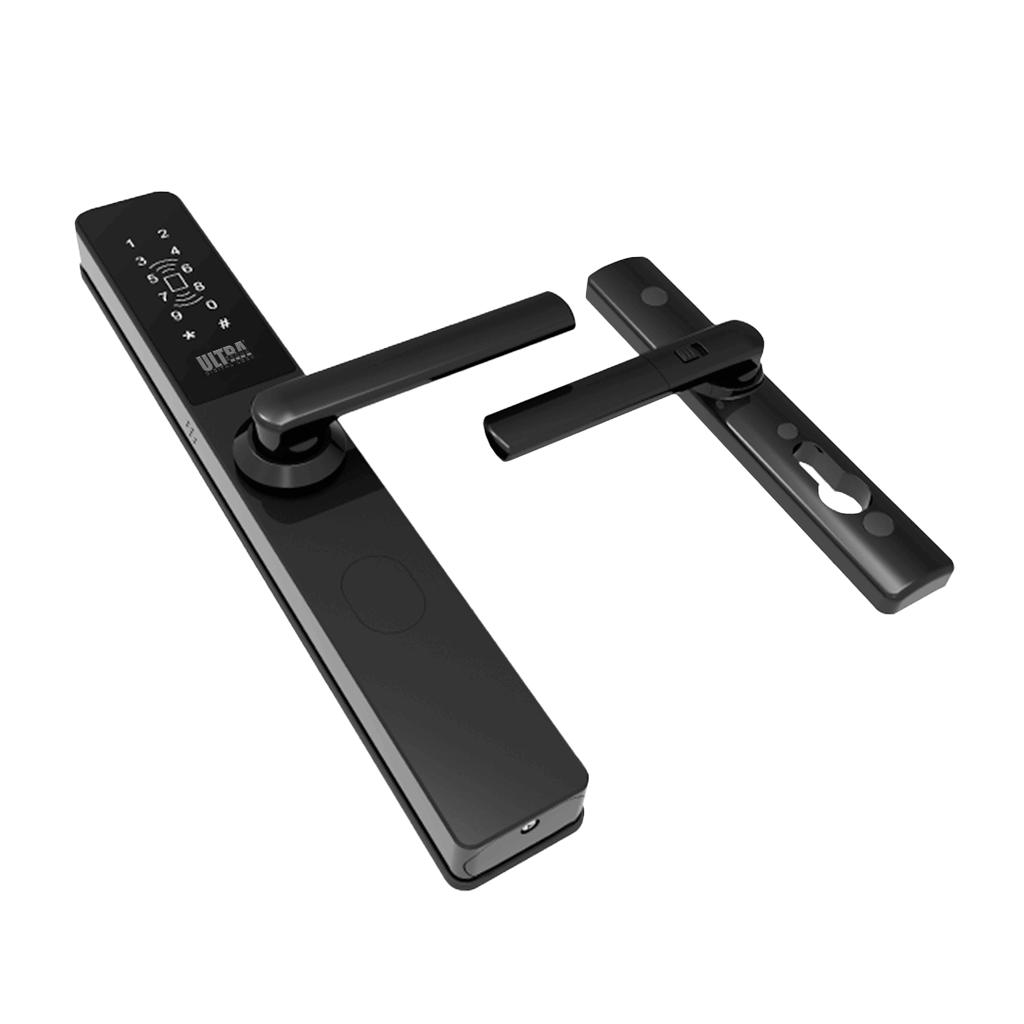
· Complete kit included: Includes lock body, 2 FOBs, 2 backup keys with cylinder, and 2 lithium-ion batteries.
· Modern finish: Matte black finish with outside case size of 295H x 42W x 24D mm.
Ask us about adding the Ultra-Secua Smart Digital Lock to your next security door order.
Smart Lock Installation & Warranty
Doorite Screens professionally installs the smart lock hardware in your security door. To protect your privacy, customers complete the app setup, PINs, Bluetooth pairing, and any Wi-Fi gateway connection.
What Doorite Covers
· Professional fitting of the physical smart lock hardware.
· Alignment of the lock body, handle operation, and emergency key function.
· Connection and checking of triple-lock mechanical rods where applicable.
· 2-year warranty on the physical alignment and mechanical installation.
Customer Setup Responsibilities
For privacy and security reasons, Doorite does not manage or store customer access details. Customers are responsible for:
· Downloading the manufacturer’s mobile app.
· Creating accounts and setting PIN codes.
· Pairing the lock to a smartphone via Bluetooth.
· Registering cards, fobs, or other access options.
Optional Wi-Fi Gateway
If a Wi-Fi gateway is added, customers connect it to their own 2.4GHz Wi-Fi network and link it to the lock app. Doorite is not responsible for internet dropouts, weak Wi-Fi signal, router compatibility, or gateway placement issues.
Software & Connectivity
The installation warranty does not cover app issues, software updates, Bluetooth or Wi-Fi pairing problems, internet connection issues, or flat batteries. For app or network support, customers should contact the lock manufacturer.
Service Calls
If a service call is requested during the warranty period, Doorite will inspect the installation.
· If the issue is caused by a Doorite mechanical installation fault, the repair will be completed free of charge.
· If the issue is caused by batteries, app errors, Wi-Fi or gateway problems, user error, or tampering, a standard non-warranty call-out fee applies and is payable on the day of service.